Loading content
FN Trading Lab Launches FN Smart Signal & FN Market Planner
Table of Contents
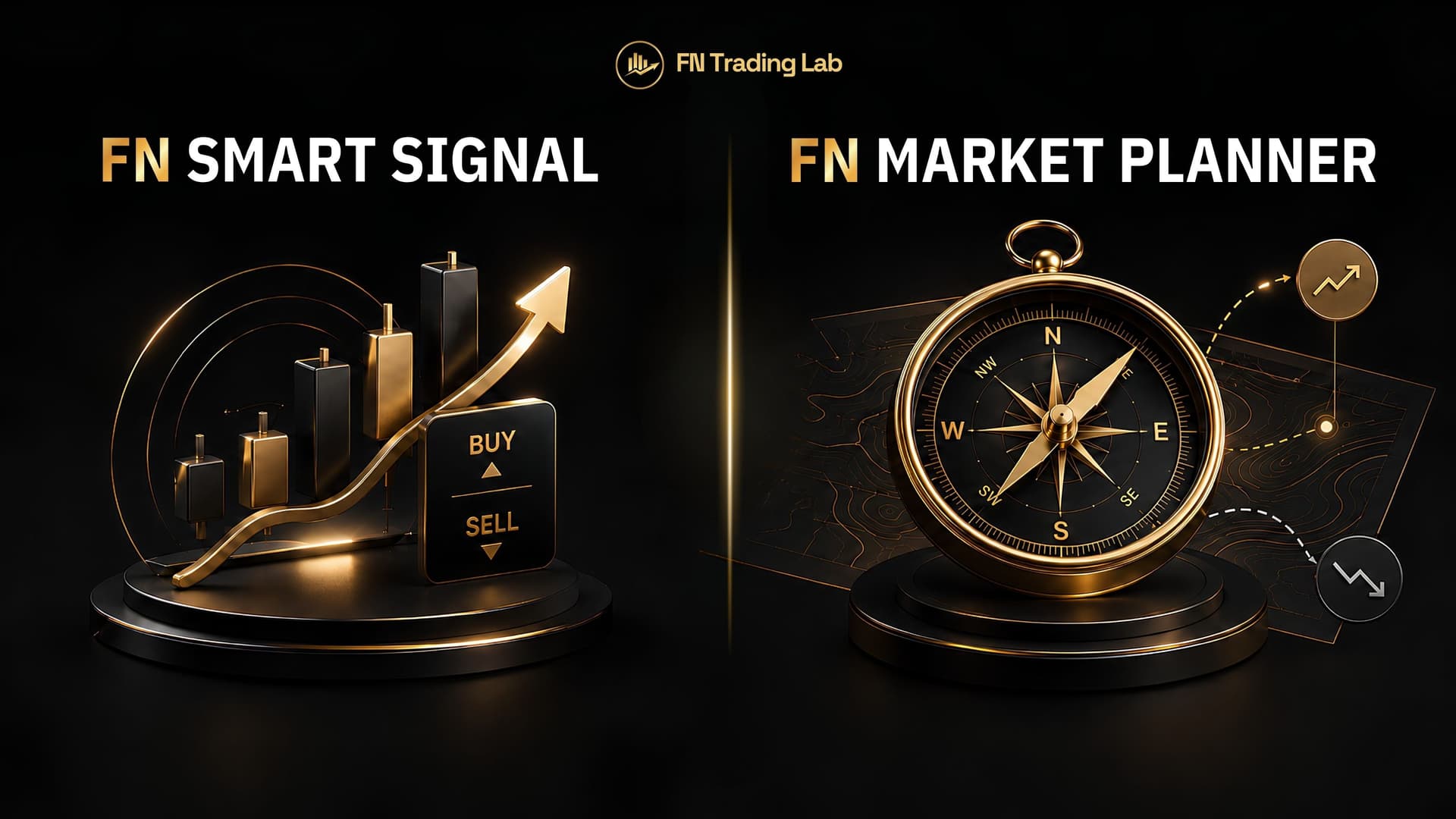
Quick Answer: FN Trading Lab has released two new TradingView indicators built on Smart Money Concept (SMC) analysis: FN Smart Signal, which automatically detects BUY/SELL setups with Entry, Stop Loss, and three Take Profit levels, and FN Market Planner, which reads market context — trend, key zones, bullish/bearish scenarios — without ever telling you to buy or sell. They share the same underlying structure and liquidity engine but serve two different jobs, which is exactly why they're two separate tools instead of one.
If you're wondering which one you actually need, the short answer is: it depends on whether you want a tool that finds trades for you, or a tool that helps you think through a trade before you take it. Most serious traders end up wanting both, for different reasons.
Two Tools, One Analysis Engine, Two Very Different Jobs#
Both indicators are built on the same foundation — market structure (swing highs/lows, BOS, CHoCH), Fair Value Gaps and Order Blocks across two independent timeframes, liquidity sweeps, and discount/premium zone analysis. If you've read our guides on market structure in forex or liquidity and stop hunts, you already understand the raw ingredients both tools are built from.
Where they diverge is the output. FN Smart Signal takes that analysis, runs it through a 0-100 confluence scoring system, and — once confluence is strong enough — commits to a single trade idea with a calculated Entry, Stop Loss, and TP1/TP2/TP3. FN Market Planner takes the same underlying analysis and deliberately stops short of a trade call, instead laying out both bullish and bearish scenarios side by side, each with its own "confirmed if…" and "invalidated if…" conditions, so you can decide for yourself.
Neither approach is "better" in the abstract. They answer different questions.
FN Smart Signal, in a Nutshell#
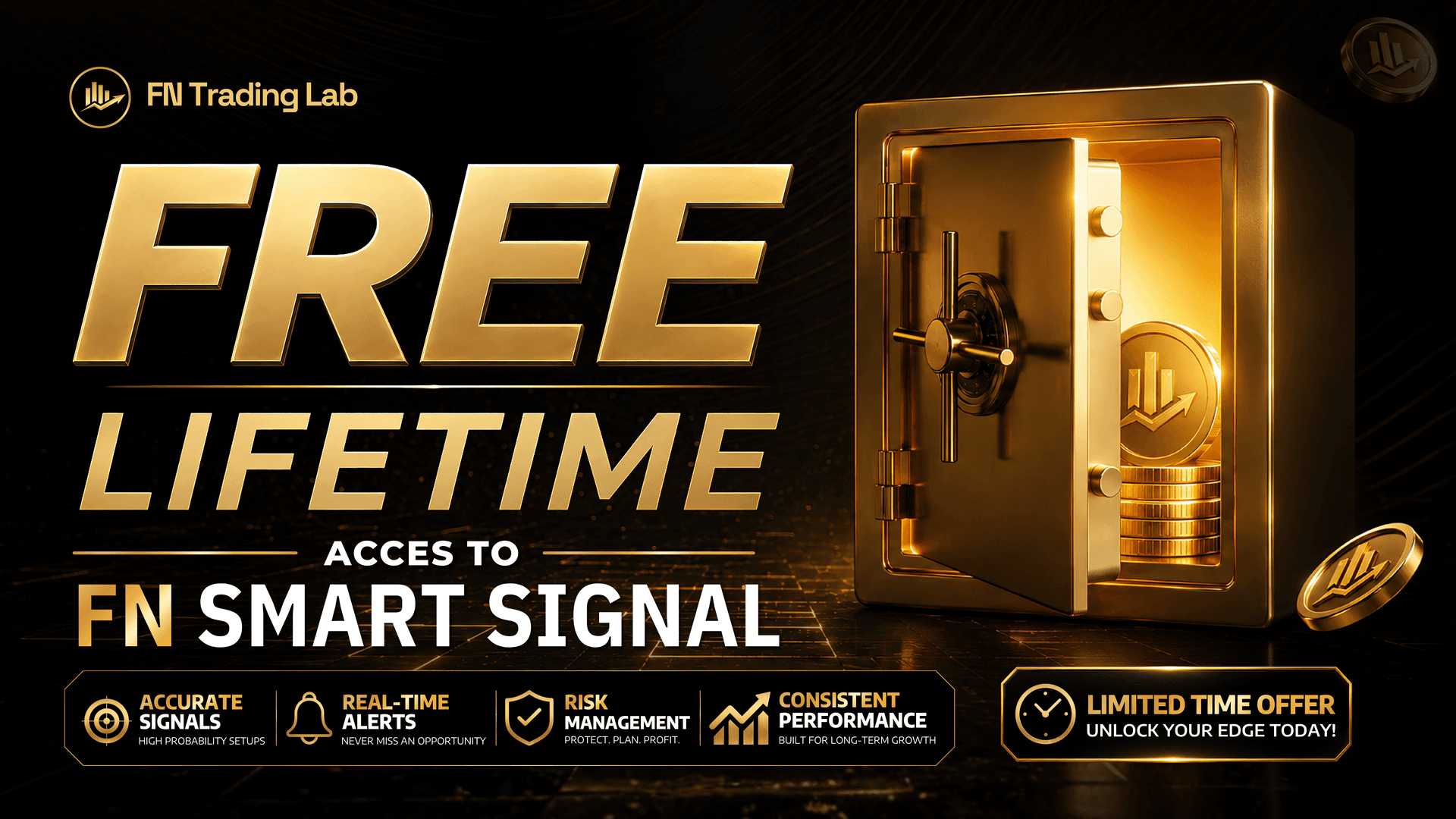
FN Smart Signal is an automated signal indicator: it watches market structure, FVGs, Order Blocks, liquidity sweeps, and discount/premium zones across multiple timeframes, scores the confluence of everything it sees, and when that score clears your chosen threshold (Standard or Strict mode), it prints a BUY or SELL signal with Entry, Stop Loss, and three Take Profit targets already calculated. It manages one trade at a time per direction, so you won't get stacked signals with progressively worse entries while a position is still open.
It's designed to be the tool you reach for when you want the indicator to do the setup-finding for you. Full feature breakdown, including how the confluence scoring and trade-level management actually work: FN Smart Signal: SMC Confluence Indicator with Auto Entry, SL & TP.
FN Market Planner, in a Nutshell#
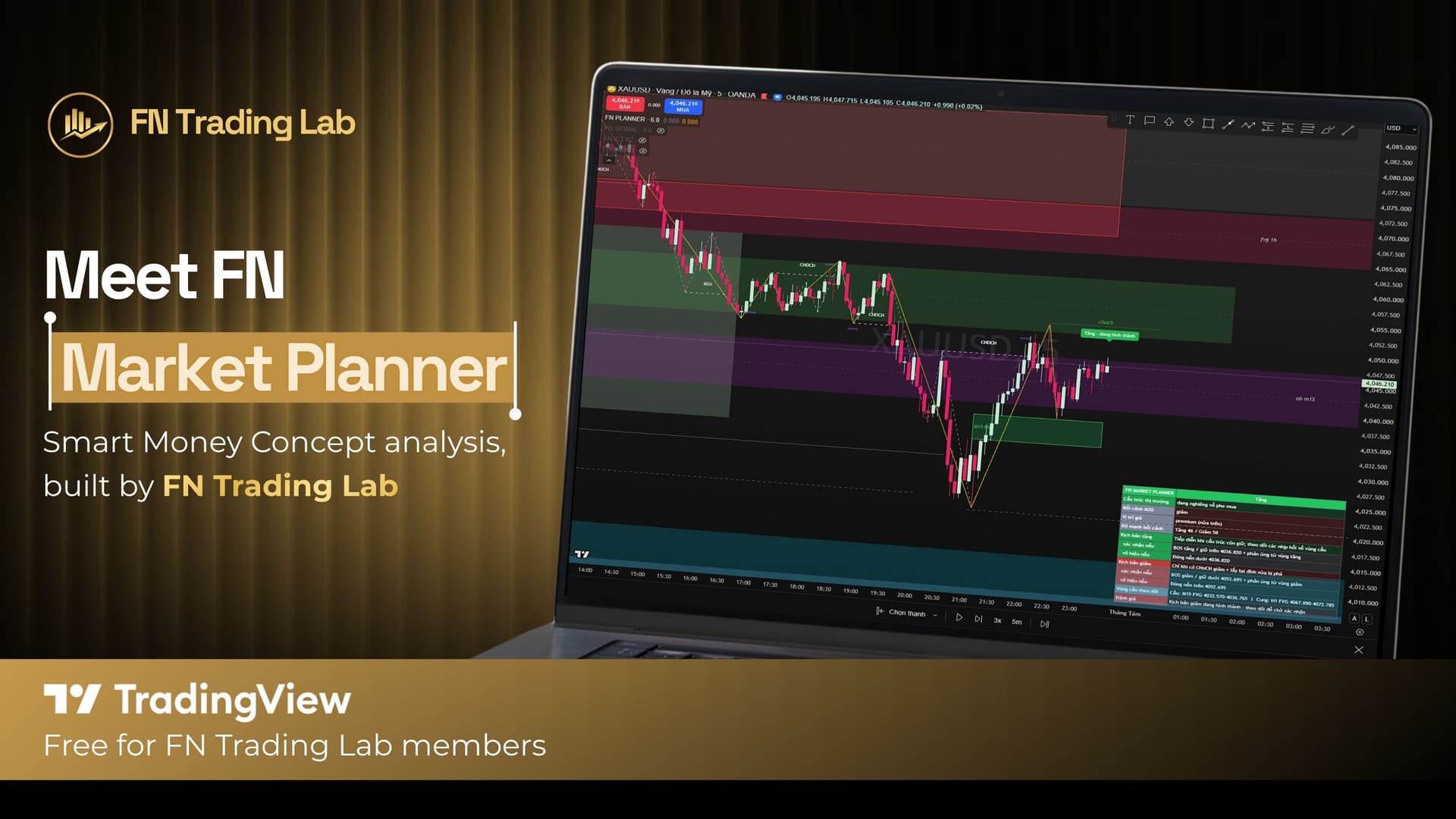
FN Market Planner runs on the same core engine but is built for a different moment — before you're ready to commit to a direction. Instead of a signal, it classifies the current market state (trending up, trending down, ranging, transitioning, or unclear), shows you both demand and supply zones worth watching (not just the ones aligned with a bias), and summarizes everything in a compact Planning Panel: market state, higher-timeframe context, your position relative to discount/premium, strength scores for both the bullish and bearish case, and the specific conditions that would confirm or invalidate each scenario.
It never says "buy" or "sell." It says "here's what would need to happen for either side to be right." Full feature breakdown: FN Market Planner: The Trading Indicator That Won't Tell You to Buy or Sell.
FN Smart Signal vs FN Market Planner: Quick Comparison#
Which One Should You Use?#
If you're newer to SMC concepts or you trade reactively based on what you see on the chart, FN Smart Signal removes a lot of the guesswork — the confluence scoring and trade-level calculation are already done for you. If you already have a process for building your own trade ideas and mainly want a faster, more structured way to read context before you act, FN Market Planner fits that workflow better without pushing you toward a specific entry.
A lot of traders in our community end up running both: FN Market Planner for the daily "what's the environment doing" read, and FN Smart Signal for the actual entry trigger once that environment lines up. Neither tool guarantees results — both are decision-support tools, not a replacement for your own risk management.
How to Get Access#
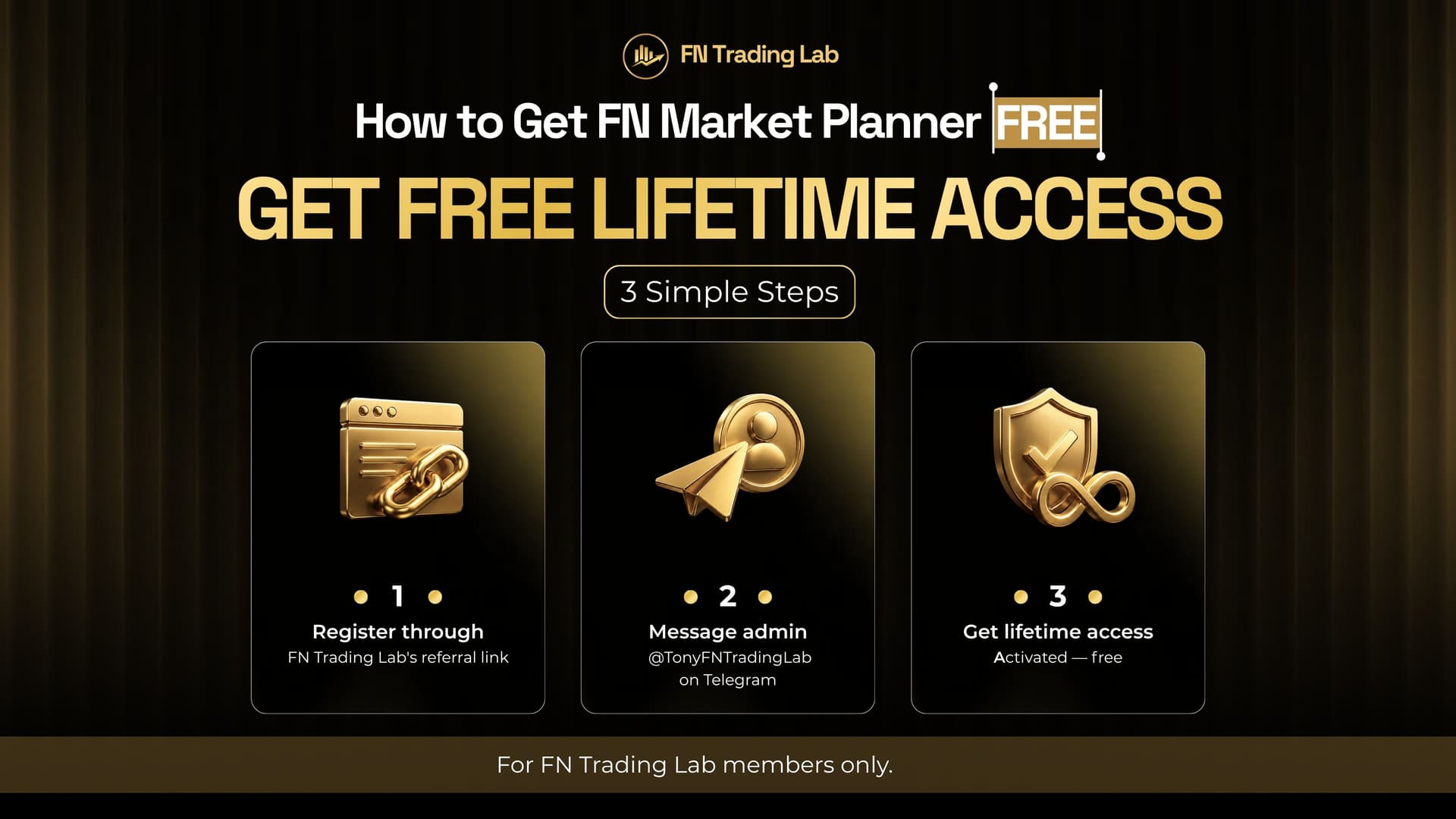
Both indicators are free for FN Trading Lab members with a registered rebate account. The process is the same for both: register through an FN Trading Lab rebate link, then message admin @TonyFNTradingLab on Telegram to activate lifetime access. Full step-by-step instructions:
- How to Get Free Lifetime Access to FN Smart Signal
- How to Get Free Lifetime Access to FN Market Planner
You can also view both scripts directly on TradingView: FN Smart Signal and FN Market Planner.
FAQ#
This article is for informational purposes only and does not constitute financial advice. Trading involves substantial risk of loss. Past performance does not guarantee future results. Please consult a qualified financial professional before making investment decisions. Forex and CFD trading carries high risk and may not be suitable for all investors. This is not investment advice.
FN Trading Lab - For Traders and Trading Community
Start earning rebates on every trade
Open an account with a top broker, or get a free 1-on-1 consultation from our team.

I'm Kelly Nguyen - a CFA, CMT, and MBA-qualified financial analyst and trading educator with over 6 years of hands-on experience in forex, commodities, and risk management. I started my career on the analytical side of institutional finance before shifting my focus to trading education, where I now help retail traders develop structured, disciplined approaches to the markets. At FN Trading Lab, I create content grounded in real market experience - no fluff, no hype. My goal is simple: make serious trading knowledge accessible to serious traders.
CFACMTMBA6+ Years Market Experience
Risk ManagementTechnical AnalysisForex TradingMarket StructureTrading PsychologyDerivatives