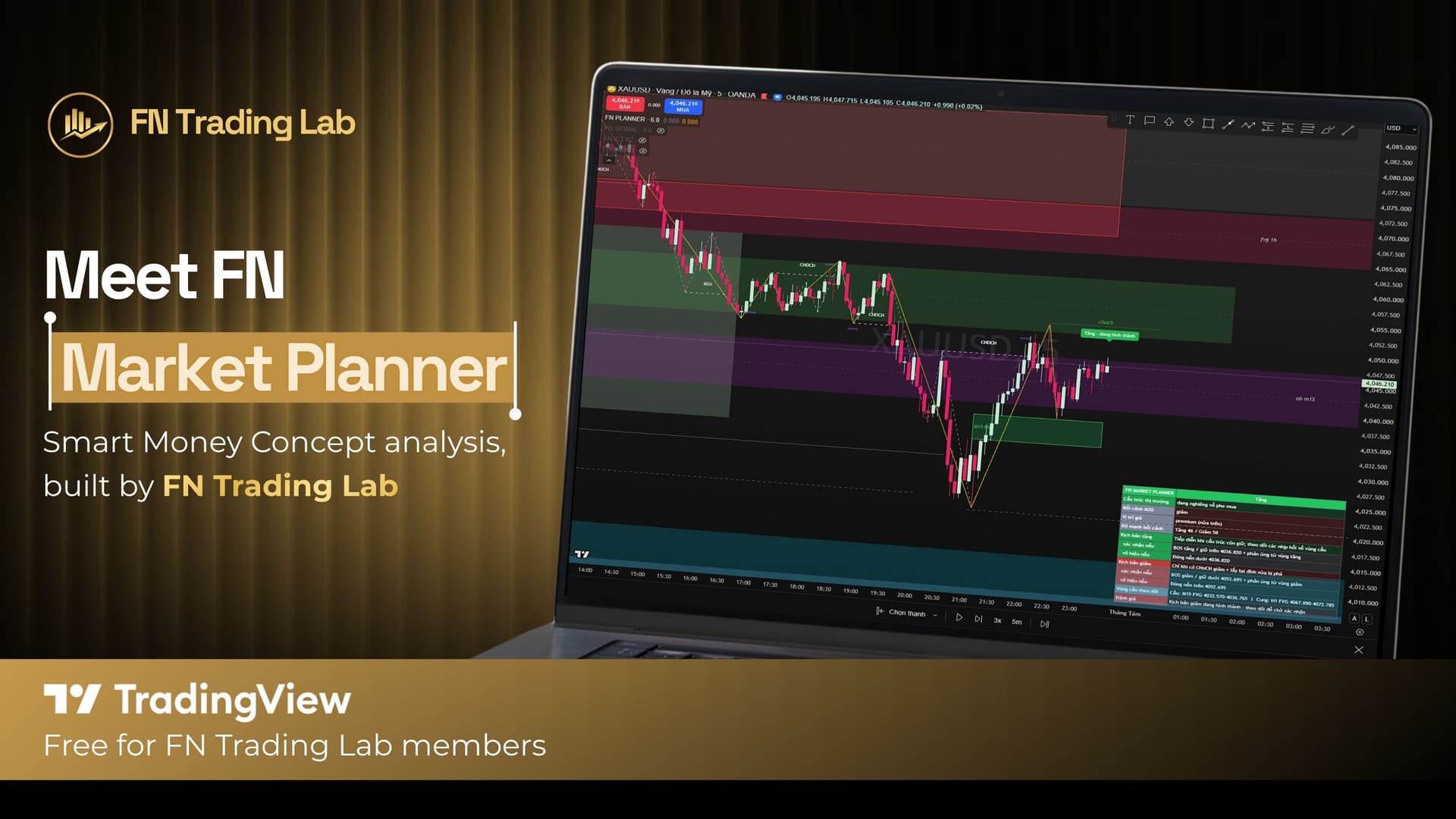
Quick Answer: FN Market Planner is a TradingView indicator that reads market context — current market state, higher-timeframe bias, key demand and supply zones, and bullish/bearish scenario strength — and summarizes it all in a Planning Panel. Unlike a typical signal indicator, it never issues a BUY or SELL call and never prints a fixed Entry, Stop Loss, or Take Profit. Instead, it tells you what would need to happen for either scenario to play out, so you build the trade decision yourself.
If you're used to signal indicators and wondering why FN Trading Lab built a tool that deliberately doesn't signal, the short version is: not every moment in the market is a moment to act, and a tool built entirely around "what's the state of play right now" ends up more useful than a signal in the many hours when there's genuinely no high-quality setup forming.
FN Market Planner shares its core analysis engine with FN Smart Signal — market structure, swing detection, BOS/CHoCH, multi-timeframe FVG and Order Blocks, higher-timeframe context, and liquidity — but its output is built entirely around conditional evaluation rather than trade calls. The language throughout is deliberately non-directional: "scenario," "zone to watch," "confirmed if…," "invalidated if…," "wait for confirmation." It won't rush you into a trade, and it won't claim to know which direction price is going next.
FN Market Planner automatically classifies the current market into one of five states — Trending Up, Trending Down, Ranging, Transitioning, or Unclear — based on structure, how compressed price is relative to ATR, and recent CHoCH events. Knowing which of these five states you're actually in is the single biggest factor in whether a given strategy makes sense right now, which is exactly the judgment call the indicator is built to support.
The indicator adds an EMA-based higher-timeframe bias into its overall evaluation, with the HTF automatically derived from your current chart timeframe — you don't have to manually flip to a higher chart to get that context.
This is one of the clearest differences from a signal-style indicator: FN Market Planner shows both demand and supply zones, not just the ones aligned with a directional bias. Each zone is tagged with its source timeframe (M15 and H1 by default), and it uses the same FVG/Order Block engine and three mitigation methods (Wick Fill, Full Close Fill, 50% Fill) as FN Smart Signal. The goal is to have you prepared for either scenario playing out, not just the one the indicator currently favors.
FN Market Planner scores how strongly current context supports each direction — bullish and bearish — separately, from 0 to 100, based on structure, sweeps, FVG, Order Blocks, discount/premium positioning, price action, and HTF context. This is explicitly an evaluation scale, not a trade trigger: there are two configurable thresholds, one for "confirmed" context and one for "wait / plan unclear," so you can tune how conservative the tool is before it tells you a scenario looks solid.
Everything above gets summarized into a compact Planning Panel showing: current market state, HTF context, price position (discount/premium), bullish and bearish context strength side by side, the bullish and bearish scenarios with their confirmation/invalidation conditions, a list of the nearest demand/supply zones to watch, and a one-line overall assessment at the bottom. Panel position, font size, and how many zones are listed are all customizable.
FN Market Planner still plots BOS/CHoCH, swing zigzags, and liquidity sweep notes just like FN Smart Signal — but it keeps the chart less cluttered by default, with Minor swings and Inside/Outside Bar marking turned off out of the box. The intent is a cleaner visual read since you're spending more time evaluating context here rather than reacting to a signal.
FN Market Planner's alerts are explicitly informational, not trade instructions: bias changes, structure transitions, a scenario becoming confirmed, a scenario becoming invalidated, price entering a watched zone, or "no clear plan currently." Every alert is labeled as an assessment, not a trade signal — a deliberate design choice so nobody mistakes an alert for a BUY/SELL call.
Settings are organized into: Market Structure, Zones (FVG & OB), Context & Scenarios, Planning Panel, Informational Alerts, and Interface.
How FN Market Planner Differs From FN Smart Signal#
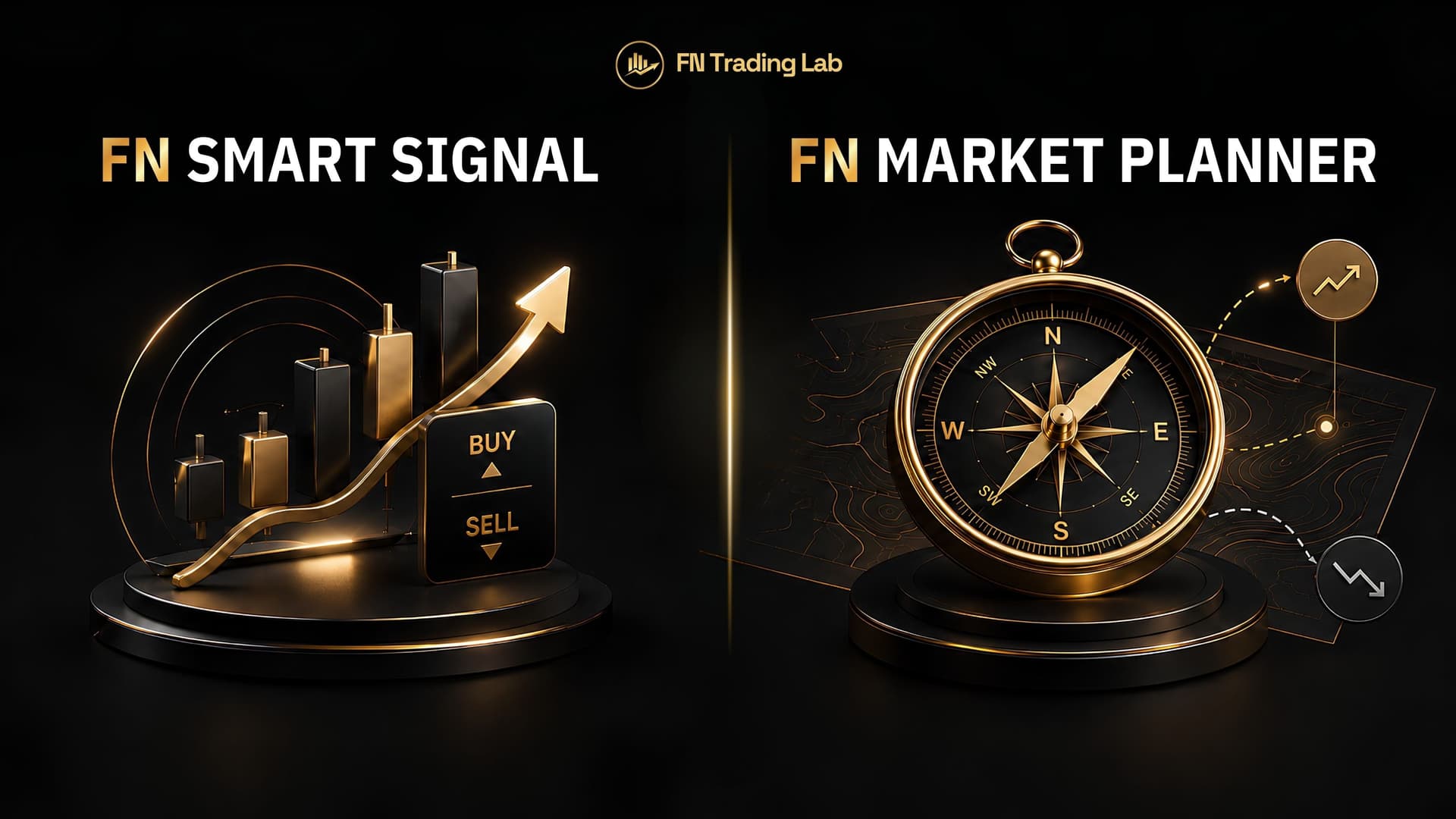
If you want the short version of how these two compare side by side, see our launch overview. The one-line summary: FN Smart Signal commits to a trade idea once confluence is strong enough; FN Market Planner never commits, it just tells you clearly what each scenario would require.
No. It deliberately avoids trade signals. It classifies market state, shows both bullish and bearish zones/scenarios, and tells you the conditions that would confirm or invalidate each one — the trade decision is yours.
Most SMC signal indicators (including FN Smart Signal) commit to a directional trade call once confluence is high enough. FN Market Planner uses the same underlying structure/liquidity engine but stops at presenting both sides of the market with conditional language, never a trade call.
It measures how strongly current price action, structure, and zones support a bullish or bearish case, separately, on a 0-100 scale. It's an evaluation of conditions, not a signal to enter a trade.
Yes — many traders use FN Market Planner to read the broader context first, then FN Smart Signal for the actual entry trigger once that context supports it.
Yes, for verified FN Trading Lab members with a registered rebate account. See the access guide linked above.
This article is for informational purposes only and does not constitute financial advice. Trading involves substantial risk of loss. Past performance does not guarantee future results. Please consult a qualified financial professional before making investment decisions. Forex and CFD trading carries high risk and may not be suitable for all investors. This is not investment advice.
FN Trading Lab - For Traders and Trading Community
Start earning rebates on every trade
Open an account with a top broker, or get a free 1-on-1 consultation from our team.
I'm Kelly Nguyen - a CFA, CMT, and MBA-qualified financial analyst and trading educator with over 6 years of hands-on experience in forex, commodities, and risk management. I started my career on the analytical side of institutional finance before shifting my focus to trading education, where I now help retail traders develop structured, disciplined approaches to the markets. At FN Trading Lab, I create content grounded in real market experience - no fluff, no hype. My goal is simple: make serious trading knowledge accessible to serious traders.