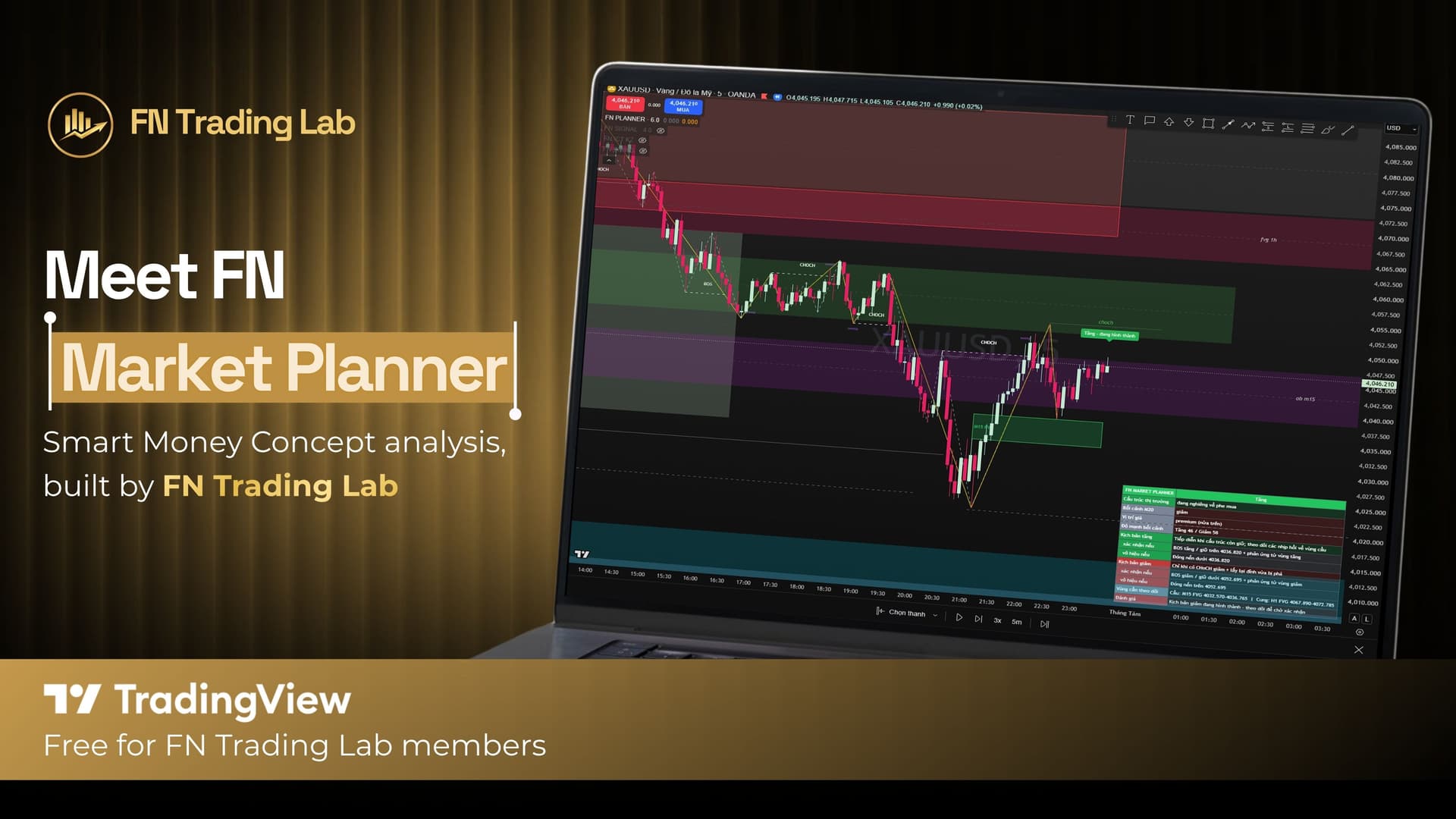
FN Trading Lab Bot (@fntradinglab_bot) is a Telegram bot that lets you create an FN Club account, link a trading account into FN Trading Lab's IB system to earn rebates (Backcom), and register for free TradingView indicator alerts. There are two scenarios: (1) you already have a trading account under FN Trading Lab — just create an FN Club account and link it; (2) you don't have one yet — you'll need to create an FN Club account, open a new trading account under FN Trading Lab, then link it.
What Is FN Trading Lab Bot?#
FN Trading Lab Bot is the automated Telegram channel for managing everything related to your FN Club account: linking trading accounts, checking your rebate (Backcom) earnings, registering for TradingView indicator alerts, and joining the FN Trading Club community — all without messaging an admin for every step.
Getting Started With the Bot#
Message /start to the bot to open the welcome screen. If you haven't set a language yet, the bot will ask you to choose Vietnamese / English / Thai before showing the main menu.
Other commands:
/menu— reopen the main menu/help— view the help screen- Typing anything else also returns you to the main menu
Note: the bot's Help screen mentions a /logout command, but it isn't actually implemented yet — typing it just returns you to the main menu. To log out, you need to use the button in the menu instead (see "Logging Out of FN Club" below).
If you click a link from FN Trading Lab's website or a broker page to open Telegram, the bot may jump you directly to the relevant screen (for example, details for a specific broker) instead of the default welcome screen.
The Bot's Main Menu#
The main menu is shown as buttons:
- Link trading account — link a trading account at a partner broker to your FN Club account
- Register for indicator alerts — receive BUY/SELL signals and TP-hit alerts from the TradingView indicator
- Membership benefits — view the benefits list and the 4-step onboarding path
- Join FN Trading Club — opens the public community chat group (this button only appears if the admin has configured a group link)
- My Status / Last 7-Day Backcom — view your profile and rebate earnings
- Language — switch between VI/EN/TH
- Help
Scenario 1: You Already Have a Trading Account Under FN Trading Lab#
If you already opened an account at a partner broker (XM, Exness, Vantage, etc.) under FN Trading Lab, you only need 2 steps:
Step 1: Create an FN Club Account#
See the "FN Club Account" section below for details — you need an FN Club account before you can link any trading account.
Step 2: Link Your Existing Trading Account#
- From the main menu, select Link trading account.
- Choose the corresponding broker (XM, Exness, Vantage, etc.) to view its info and benefits.
- Select Existing account.
- Enter your account ID (MT4/MT5 ID or UID, depending on the broker — the bot will specify the exact format required).
- The bot automatically checks and verifies your account — no manual admin approval needed under normal circumstances. If the account hasn't finished syncing data from the broker yet (typically around 15-30 minutes after opening — an estimate, not a fixed time), the bot will say "not found, try again later." If the account has already been linked by someone else, the bot will tell you to contact admin support.
- A successful link shows a confirmation screen with your benefits and the option to link another broker.
Scenario 2: You Don't Have a Trading Account Under FN Trading Lab Yet#
If you don't have an account at any of FN Trading Lab's partner brokers yet, you'll need 3 steps:
Step 1: Create an FN Club Account#
See the "FN Club Account" section below for details.
Step 2: Open a New Trading Account#
- From the main menu, select Link trading account.
- Choose the broker you want to open an account with (XM, Exness, Vantage, etc.) to view its info and benefits.
- Select New account — the bot will provide an account-opening link that includes FN Trading Lab's partner/IB code. Open your account through this exact link so it's recorded under FN Trading Lab's IB system.
Step 3: Link the Account You Just Opened#
- Go back to the bot and enter the account ID (MT4/MT5 ID or UID, depending on the broker) for the account you just opened.
- You must be logged into FN Club before submitting a link request.
- The bot automatically checks and verifies your account. If it hasn't finished syncing data from the broker yet (typically around 15-30 minutes after opening — an estimate, not fixed), the bot will say "not found, try again later."
- A successful link shows a confirmation screen with your benefits and the option to link another broker.
FN Club Account (Log In / Sign Up in the Bot)#
Log in: select the login button, enter your email, then your password. Messages containing your email/password are automatically deleted from the chat right after the bot reads them, for security. Three incorrect attempts triggers a 5-minute temporary lockout. There's a "Forgot password?" button (limited to once every 15 minutes).
Sign up: enter, in order, your first/last name (example format: "Khang, Tran"), email, password, and password confirmation. Passwords must be 8-128 characters, with uppercase, lowercase, a number, and a special character. Your new account is automatically linked to the Telegram account you're using.
Registering for Free TradingView Indicator Alerts#
Requirement: you must be logged into FN Club and have at least one broker account verified under FN Trading Lab's IB system.
Once registered, the bot automatically sends signals to your private messages (no need to request each time):
- BUY/SELL entry signals
- Alerts when price hits TP1/TP2/TP3
There's a "📊 Open TradingView Indicator" button to view the indicator directly on TradingView.
Checking Your Status and Backcom#
- My Status: shows your name, email, FNCoin, the list of linked broker accounts with their Backcom/cumulative trading volume, and any pending link requests.
- Last 7-Day Backcom: a rebate report for the last 7 days, broken down by each linked account.
Logging Out of FN Club#
Go to My Status and tap "🚪 Log Out of FN Club," then confirm with "✅ Confirm Logout."
Joining the FN Trading Club Community Group#
When you join the FN Trading Club Telegram group, if you've previously messaged /start to the bot, the bot will automatically send you a private welcome message and post a greeting in the group. If the bot has never been able to message you, the group will instead receive a post inviting you to tap through and open the bot. This is automatic behavior, not something triggered by a user command.
Important Note#
Screen content inside the bot can be customized by the admin through the master-admin panel, so the exact wording you see may differ slightly from the examples in this guide — but the flow itself stays as described above.
FAQ#
This article is for tool-usage guidance only and does not constitute investment advice. Forex and CFD trading carries high risk and may not be suitable for all investors.
FN Trading Lab - For Traders and Trading Community