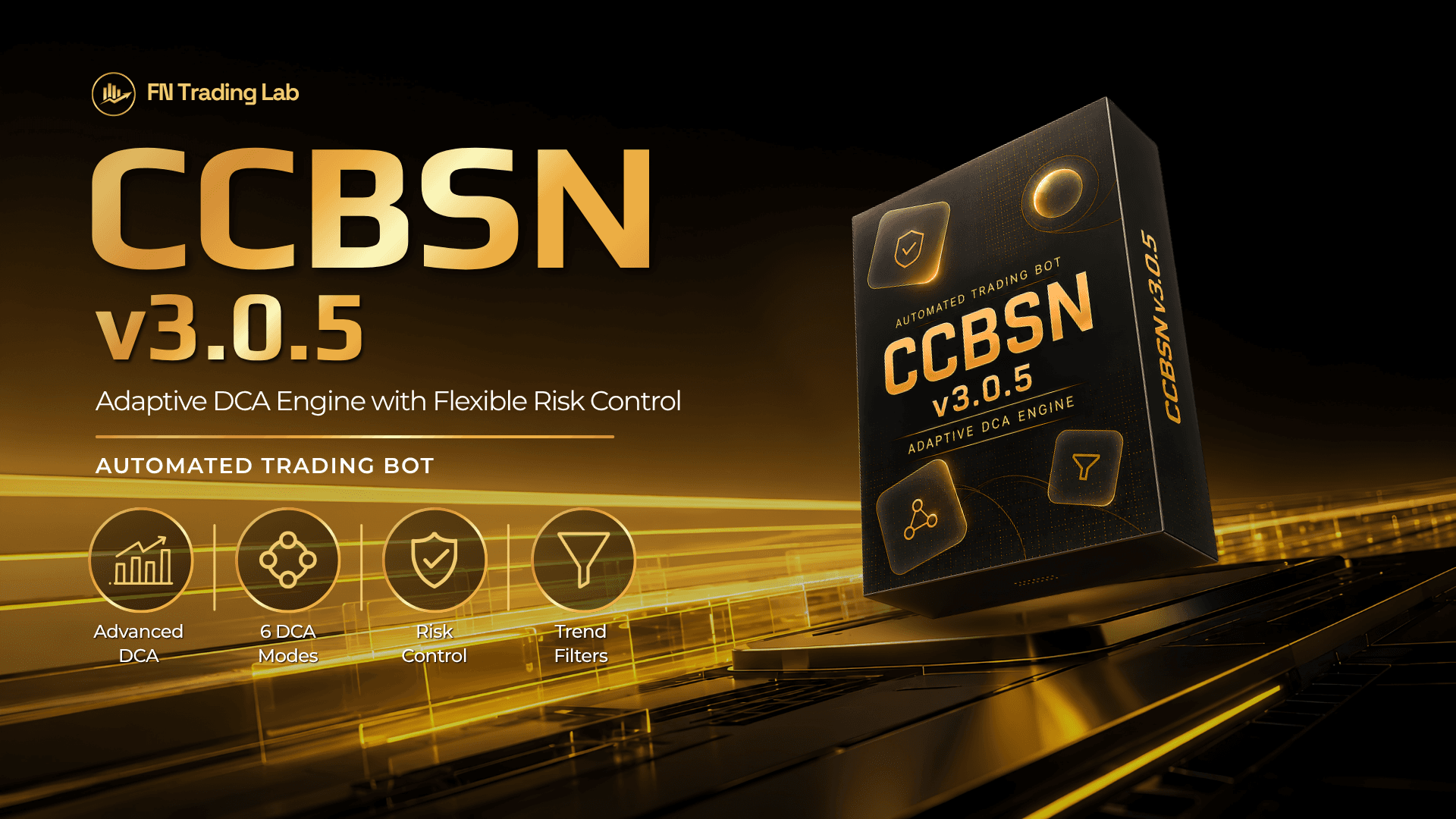
Quick Answer: CCBSN v3.0.5 is an MT5 expert advisor that trades an advanced DCA/Martingale system on XAUUSD and BTCUSD, adding orders through six configurable methods and managing risk through daily profit/loss limits, ladder profit targets, and automatic order trimming. It is not developed by FN Trading Lab — copyright belongs to Bo.Botfx — and it carries the capital-loss risk inherent to any DCA/Martingale strategy, so it's built for traders who already understand that mechanism, not for a "set and forget" beginner setup.
Before you read further: this is not a signal for how to get rich quick. DCA/Martingale EAs add to losing positions to average down, which means drawdown can grow fast if it's left unmonitored — if you want the full mechanics and the math behind how fast that risk compounds, read our DCA & Martingale explainer first. This review breaks down exactly how CCBSN v3.0.5 works so you can decide, with full information, whether it fits your risk tolerance.
What Is CCBSN v3.0.5?#
CCBSN v3.0.5 is an Expert Advisor for MetaTrader 5 that runs an advanced DCA (Dollar-Cost Averaging) / Martingale strategy, currently on version 3.0.5. It's built specifically around XAUUSD (Gold) and BTCUSD, running on M5 and M15 timeframes. Instead of simple fixed-step averaging, it uses trend filters — Moving Average, MACD, and SuperTrend — combined with RSI to time when it adds to a position, rather than adding purely on price distance alone.
Important disclosure: CCBSN is not a proprietary FN Trading Lab product. Copyright belongs to Bo.Botfx. FN Trading Lab shares and hosts access to it for the community as a reference tool, not as an in-house strategy we built or independently guarantee. Treat this review as a feature breakdown, not an endorsement of guaranteed performance.
How the DCA/Martingale Engine Works#
CCBSN v3.0.5 offers six ways to add orders to a position, which you can mix or use individually depending on how aggressive you want the averaging to be:
- Step + Timeframe (TF) — adds an order once price moves a set distance and a new candle opens on the chosen timeframe.
- Step + Candle Close — adds an order once price moves a set distance and the current candle closes, rather than waiting for a new candle to open.
- DCA based on Signal — adds an order when the built-in trend filters (MA/MACD/SuperTrend + RSI) flag a new signal in the same direction, not purely on a fixed price step.
- Positive Addition — adds to the position while it's moving favorably, rather than only averaging down on losing trades.5–6. Two additional configurable step/signal combinations that let you blend distance-based and signal-based triggers.
Lot sizing between added orders uses a flexible multiplier you set yourself, so the aggressiveness of the averaging (and the resulting drawdown curve) is entirely in your hands — not fixed by the EA.
Risk & Capital Control Features#
This is the section that matters most for a DCA/Martingale system, since the strategy's core risk is unmanaged drawdown. CCBSN v3.0.5 includes:
- Daily Profit Target & Daily Loss Limit — the EA can be set to stop trading for the day once either threshold is hit.
- Ladder Profit Target — closes out the position in stages as profit accumulates, rather than an all-or-nothing single take-profit.
- Zone Cycle — manages re-entry logic within a defined price zone rather than letting the averaging run unbounded.
- Order Trimming (full and partial) — closes some or all open orders to reduce basket risk, using realized profit rather than only relying on new orders to bail out old ones.
- Adjusting Time Point (ATP) — recalculates the average entry price when the basket moves further into negative territory, keeping the breakeven target realistic instead of static.
- Trailing Stop in series — trails stops across the order series as the basket moves into profit, rather than a single trailing stop on one ticket.
Latest Update — v3.0.5#
The current version changed how Order Trimming pulls its profit source: instead of relying on new profitable orders to close out older losing ones, v3.0.5 uses already-realized profit from today or previous days to trim the most negative orders in the basket. In practice, this means the EA can cut losing positions using profit you've already banked, rather than waiting for a fresh favorable trade to fund the cut.
Recommended Pairs & Timeframes#
CCBSN v3.0.5 is built around XAUUSD (Gold) and BTCUSD, run on M5 or M15. These are the pairs/timeframes the EA's filters and risk parameters are tuned for — running it on other instruments or timeframes without adjustment is outside its tested design.
Operating Recommendations#
- Shut down before the weekend. FN Trading Lab recommends pausing the EA from Friday evening through roughly 5:30 AM Monday to avoid weekend gap risk on open baskets.
- Pause around major news. Turn it off 4–5 hours before high-impact releases (CPI, NFP, FOMC) — DCA baskets are especially vulnerable to the volatility spikes news events cause.
- Tighten SL/ATP on XAUUSD and BTCUSD around news windows, since both instruments are prone to sharp, fast moves during high-impact data.
- Don't run it unattended long-term. The risk controls reduce damage, but a DCA/Martingale basket still needs active monitoring, not a "set and forget" mindset.
Who Should (and Shouldn't) Use CCBSN#
Suited for: traders who already understand DCA/Martingale mechanics and their capital-loss risk, who are comfortable actively monitoring an open basket rather than walking away, and who plan to run it specifically on XAUUSD/BTCUSD at M5/M15 as designed.
Not suited for: beginners with no prior exposure to averaging-style strategies, anyone looking for a passive "set and forget" EA, or anyone unwilling to actively watch drawdown and intervene if the market moves against the basket.
Risk Warning#
DCA/Martingale strategies carry a real risk of capital loss — adding to a losing position can compound drawdown quickly in a strong trending move, even with the risk controls above in place. CCBSN v3.0.5 is not developed by FN Trading Lab; it's shared for reference and educational purposes, and using it is entirely at your own discretion and risk. Past performance of any EA does not guarantee future results.
How to Get Access#
CCBSN v3.0.5 sits behind FN Trading Lab's standard bot-access flow, not a simple download: open and verify a trading account with one of FN Trading Lab's supported brokers, complete KYC and the broker's minimum deposit, then submit your account on the bot's detail page for review. Once approved, the current version is available to download directly from there.
- Official bot page: CCBSN v3.0.5 on FN Trading Lab
- Questions during setup — Telegram: @TonyFNTradingLab · Zalo: 0934.169.910
FAQ#
This article is for informational purposes only and does not constitute financial advice. Trading involves substantial risk of loss. Past performance does not guarantee future results. Please consult a qualified financial professional before making investment decisions. Forex and CFD trading carries high risk and may not be suitable for all investors. This is not investment advice.
FN Trading Lab - For Traders and Trading Community